






Shaw Academy Slide

“WebEngage has been crucial in revolutionizing our entire online user experience. The Support and Success teams at WebEngage are extremely supportive.”

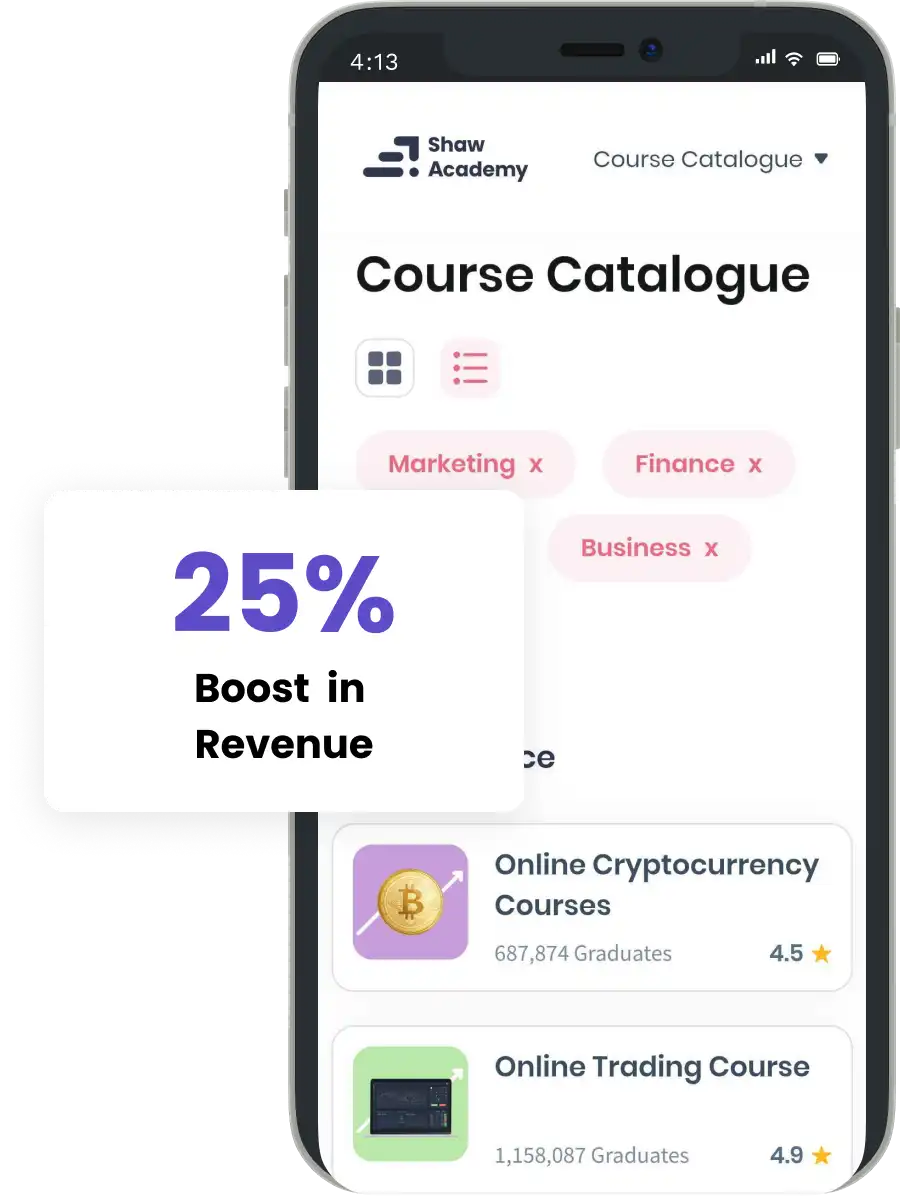
epigamia Slide

“Within 6 months, we’ve witnessed a jump in our email open rates and orders placed. WebEngage has also helped us reduce human hours and enhance efficiency.”


go-mmt Slide

“The WebEngage Customer Success team has worked tirelessly to solve our problems. We have enjoyed this kind of close collaboration with WebEngage.”


Vezeeta Slide

“WebEngage stands strong when it comes to user engagement and retention. It understands the importance & nuances of the subject.”


Acko Slide

“Win-back and policy renewal campaigns have contributed significantly to our overall revenue and resulted in improvement of our North Star
Metric i.e. Persistency ratio.”


Scott Newton
Chief Communications Officer


Krishnendu Guha
Chief Marketing Officer


Aniket Thakkar
Vice President - Marketing






eCommerce

Ed Tech

BFSI

D2C

Gaming

Travel & Hospitality